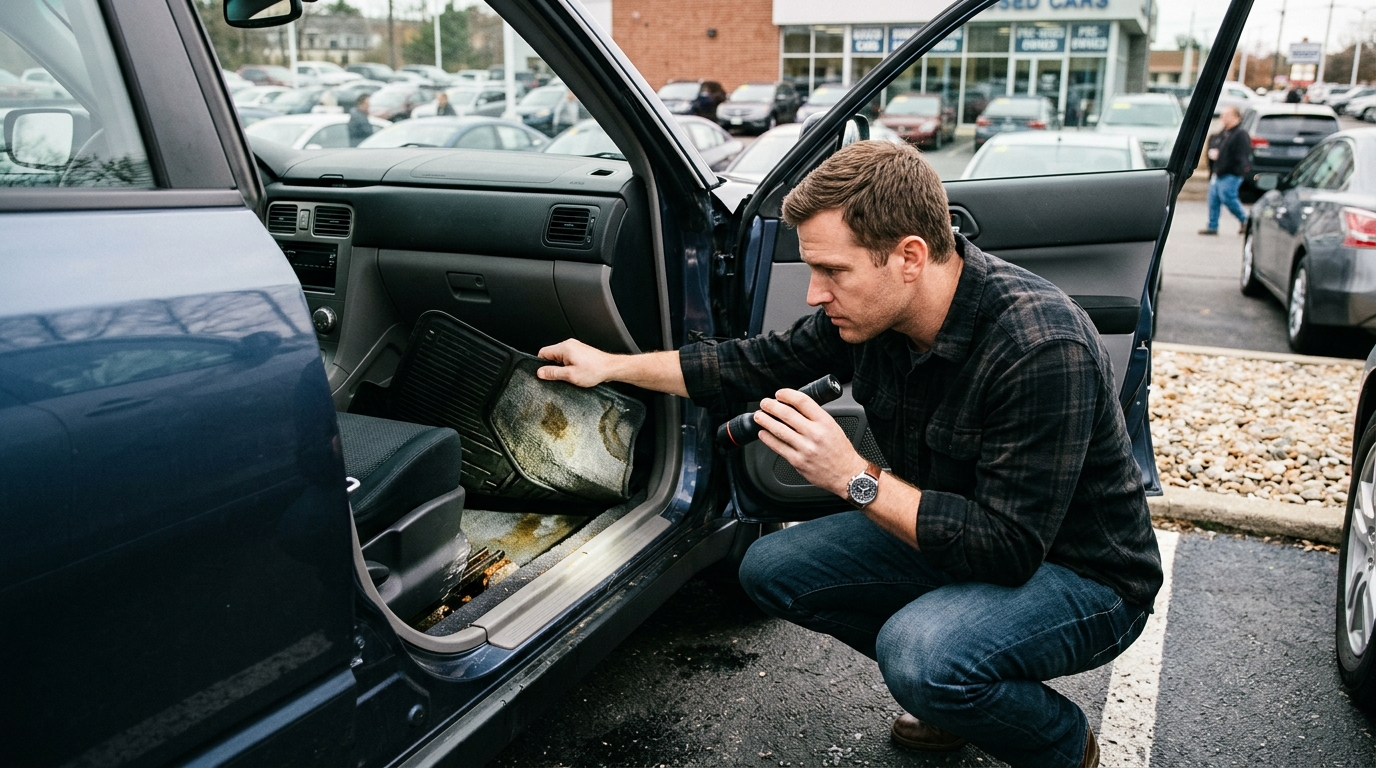
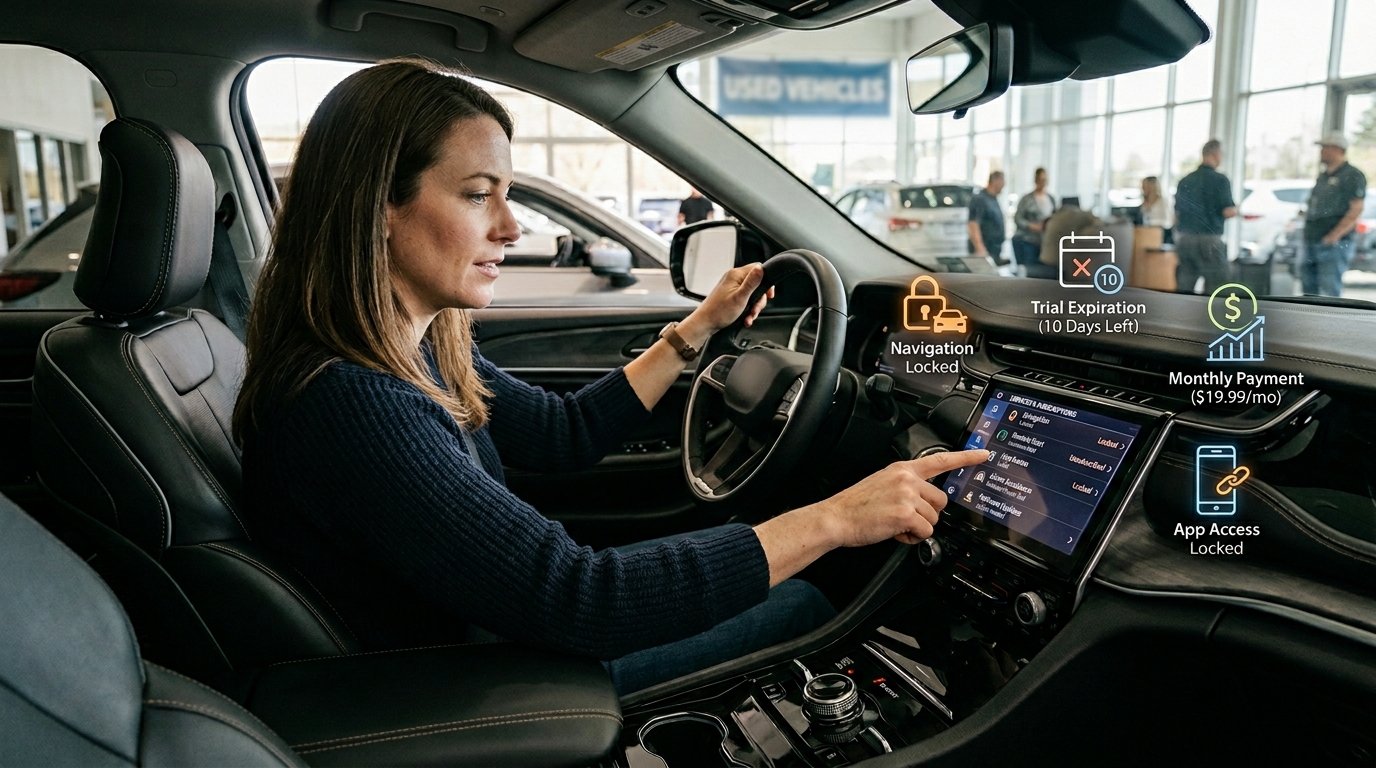
Used car subscription traps are becoming a bigger problem for shoppers in 2026. A vehicle may look fully loaded during the listing, test drive, or dealership walkthrough. It may have a large touchscreen, remote start button, advanced driver-assistance controls, navigation, parking cameras, app access, Wi-Fi capability, and premium connected services. However, some of those features may stop working after a trial expires or after the previous owner cancels the account.
This changes how buyers should inspect a modern used car. Years ago, shoppers mainly checked mileage, accident history, engine condition, tires, brakes, service records, and price. Those items still matter. Today, buyers also need to check software access, connected app accounts, trial periods, subscription fees, data settings, and feature transfer rules.
A used vehicle can lose real value when important features require monthly or annual payments. A car advertised with navigation may only include basic maps unless the buyer pays for live services. A vehicle with remote start hardware may need an app plan. A hands-free driving feature may require a paid subscription. Even vehicle health reports, emergency assistance, Wi-Fi, connected charging tools, and theft recovery services may depend on active plans.
This guide explains how used car subscription traps happen, what features buyers should check, and how to compare the real cost before signing a deal.
Why Used Car Subscription Traps Matter in 2026
Modern vehicles now work more like connected devices. Automakers can install hardware at the factory and use software to control access later. That setup can help companies update features, fix bugs, improve maps, and add services after purchase. It can also turn vehicle features into recurring bills.
This does not mean every subscription is bad. Some services offer real value. Emergency assistance, stolen vehicle tracking, live traffic, hands-free driving systems, connected EV charging tools, and remote climate controls can help certain drivers. The problem starts when buyers do not know which features come standard, which features expire, and which features need a paid plan.
Why a used car may not include every advertised feature
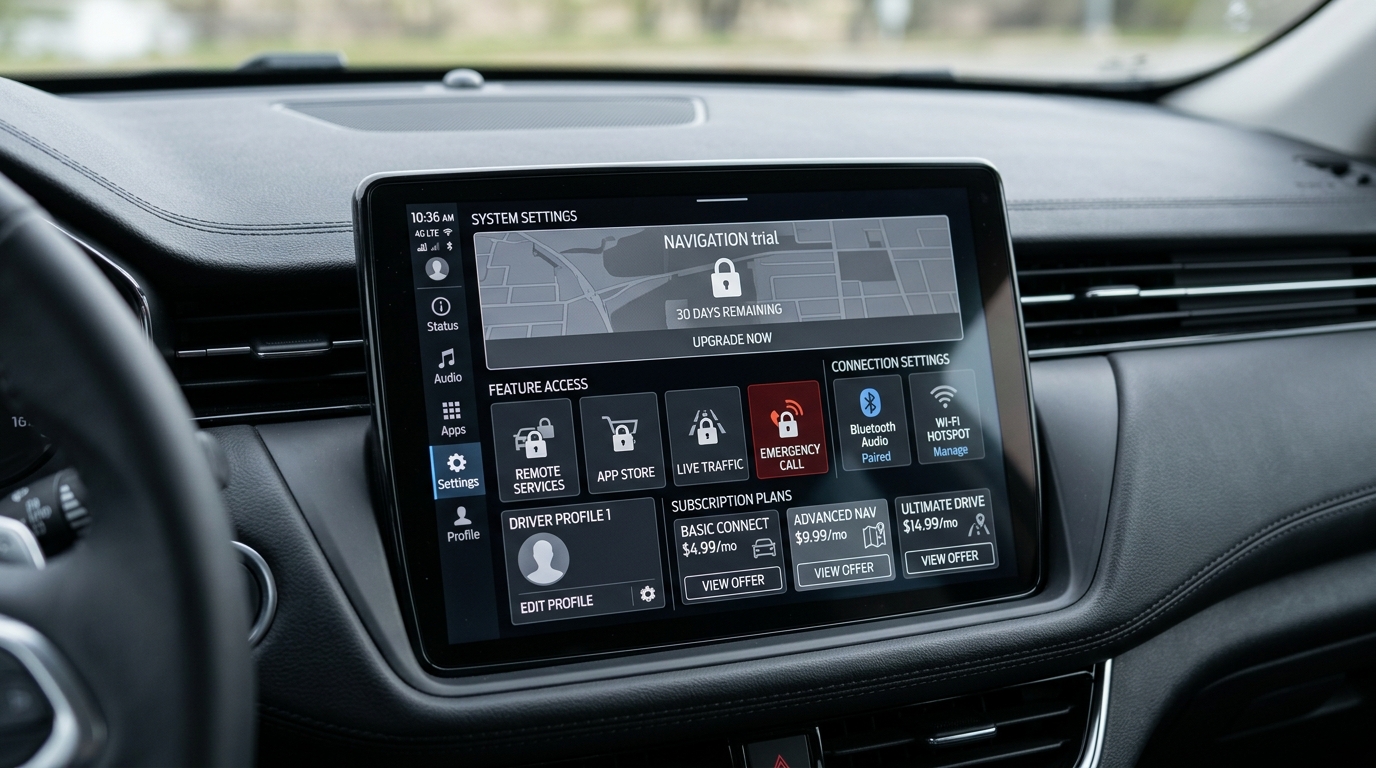
A used car listing may mention technology that the vehicle can support, not technology that currently works. That difference matters. A dashboard button, touchscreen icon, camera lens, sensor, or app symbol does not guarantee active access. The car may have the hardware, but the software may block the feature until the new owner activates a subscription.
Dealers and private sellers may not always explain this clearly. Some may not know which services expired. Others may copy the original trim description without checking current access. A buyer may only discover the issue after creating an account, downloading the app, or trying to renew a feature.
Free trials can make a used car look more valuable
Free trials can help buyers test connected services. They can also create confusion. A car may show premium navigation, remote controls, or driver-assistance tools during the test drive because a trial remains active. After purchase, the trial may end, and the buyer may need to pay monthly to keep using the feature.
Ask direct questions before buying. How long does the trial last? Which features expire? What will renewal cost? Does the price change after the first year? Can the buyer cancel anytime? Will the trial transfer to the next owner? Clear answers help prevent surprise bills.
Locked features can change resale value
Software access can affect resale value. Two vehicles may look identical, but one may include active connected services while the other has expired plans. A buyer who expects remote start, navigation, Wi-Fi, or advanced driver assistance may offer less if those features require extra payment.
This is why shoppers should compare vehicles by active features, not only trim names. A higher trim may still need paid services. A lower trim may offer enough standard features without monthly fees. The best value depends on what the buyer will actually use.
Which features buyers should check before purchase
Start with the features you care about most. Check remote start, app-based lock and unlock, live navigation, traffic alerts, parking assist, Wi-Fi, premium audio services, emergency assistance, stolen vehicle location, vehicle health reports, EV charging tools, and hands-free driving systems. Do not assume they work because the car has a button or screen icon.
Open the infotainment system during the test drive. Go into the settings menu. Look for subscription status, connected service plans, driver profiles, app permissions, software version, and trial dates. If the seller cannot show the status, ask the dealership to confirm it in writing before you buy.
Driver-assistance subscriptions need extra caution
Advanced driver-assistance features need closer review because buyers may confuse hardware with active service. A vehicle may have cameras, radar, sensors, and steering-assist buttons, but some advanced systems still require paid access, software activation, map support, or connected services.
Safety-related features deserve special attention. Automatic emergency braking, blind-spot monitoring, lane support, and collision warnings can affect daily driving confidence. Before buying, confirm which safety systems work without a subscription and which advanced convenience systems require payment. CarIron’s article on automatic emergency braking in 2026 explains why buyers should treat safety tech as a serious part of the decision.
Remote start and app controls may not transfer cleanly
Many shoppers expect remote start to work if the vehicle has the feature. That may not always happen. Some vehicles allow remote start from the key fob without a subscription. Others require a connected app plan after a trial ends. Used buyers should test both options before purchase.
Account transfer also matters. The previous owner may still have the vehicle in a mobile app. Ask the seller or dealer to remove old account access, reset driver profiles, and help you connect the vehicle under your own account. This step protects privacy and confirms whether the connected features still work.
How to Avoid Subscription Regret Before Buying a Used Car
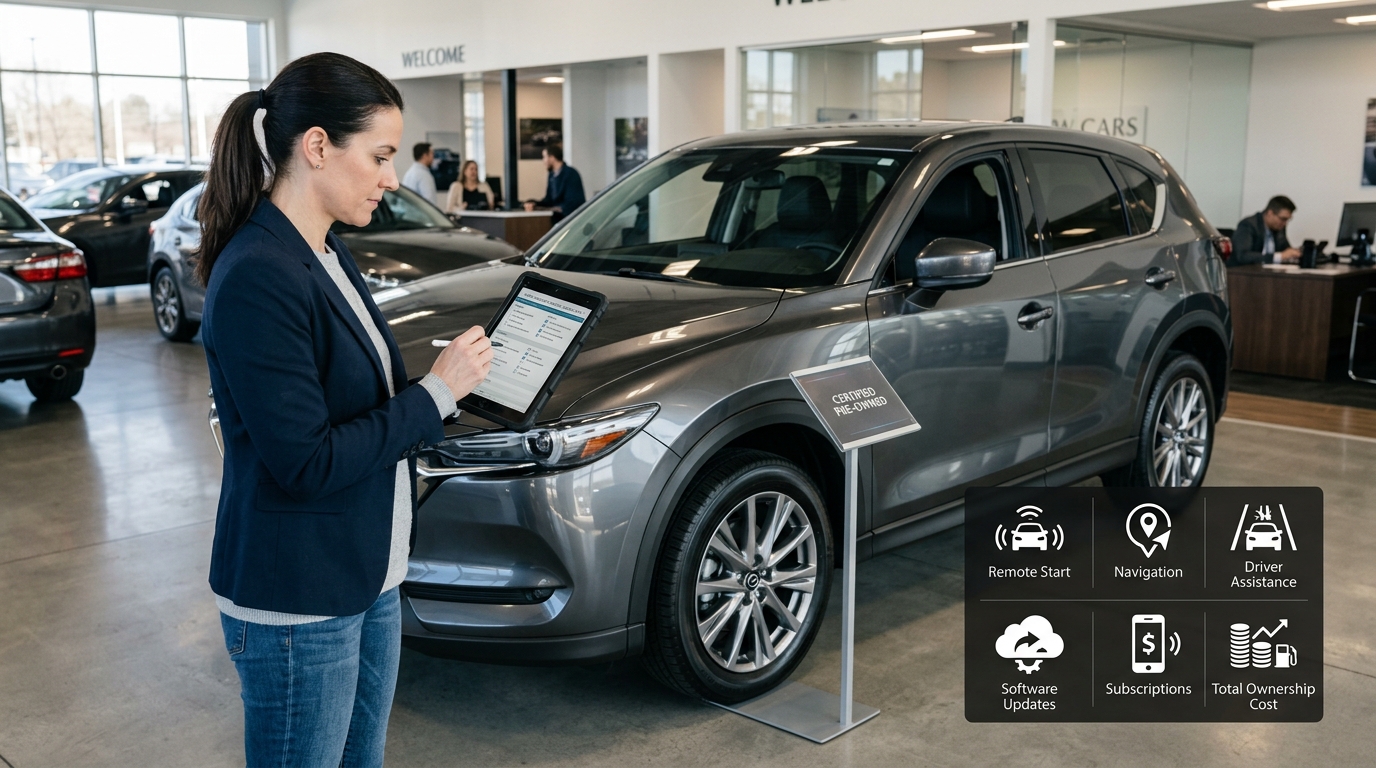
A smart used car inspection now includes both mechanical and digital checks. Buyers should inspect tires, brakes, fluids, service history, accident records, and ownership costs. They should also inspect the software side of the vehicle. The monthly cost can change quickly if several features need paid plans.
CarIron’s guide on car affordability in 2026 fits this issue because subscriptions can turn a vehicle that looks affordable into a more expensive long-term commitment. A small monthly fee may look harmless, but several services can add up across five or seven years.
Build a digital feature checklist before the test drive
Before visiting the seller, write down the digital features you actually want. Separate must-have features from nice extras. For example, you may need Apple CarPlay or Android Auto but not built-in Wi-Fi. You may want basic navigation but not premium concierge services. You may care about remote climate control for an EV but not paid entertainment apps.
During the test drive, check every feature on your list. Test the app if possible. Ask for the connected service page on the infotainment screen. Confirm subscription costs, renewal dates, and cancellation rules. Request a copy of the original window sticker or build sheet. Compare what the vehicle originally included with what currently works.
Used EV buyers should pay extra attention to connected charging tools. Some EV apps show charging status, cabin preconditioning, route planning, battery information, and charger location features. If those tools require a subscription, the ownership experience may change. CarIron’s article on NACS EV charging in 2026 can help shoppers understand why charging access and digital tools now matter more when choosing an electric vehicle.
Software-defined vehicles also deserve extra homework. CarIron’s guide on what is a software-defined car explains how modern cars rely on updates, code, and digital systems. The more software controls the vehicle experience, the more buyers need to understand feature access.
Privacy should also stay on the checklist. Connected features often rely on accounts, location data, driving behavior, and cloud services. Before using the car’s app, read the privacy settings and remove old users. CarIron’s article on connected car cybersecurity in 2026 is a useful companion because subscriptions, apps, and vehicle data often connect to the same ownership risks.
For an outside authority on pricing transparency, buyers can review the Federal Trade Commission’s update on deceptive vehicle pricing and add-on practices here: FTC warning about deceptive auto pricing. Subscription costs are not always the same as dealer add-ons, but the lesson is similar: buyers should demand clear pricing before they sign.
Used car subscription traps do not mean buyers should avoid modern vehicles. They mean shoppers need a better checklist. A vehicle can offer excellent technology and still create frustration if important features expire after purchase. The safest move is to test the features, confirm the costs, review the account status, and compare the full ownership price.
Before buying your next used car, do not stop at mileage and monthly payment. Check what works today, what expires tomorrow, and what will cost extra next year. A smart buyer looks beyond the touchscreen and asks one practical question: will this vehicle still feel like a good deal after the free trials end?